SUMMER SALE:
GET 60% OFF
7d 0h 0m 0s
Published on 10.10.2025
From Voice to Image: Create Art By Talking with ImageMotion AI
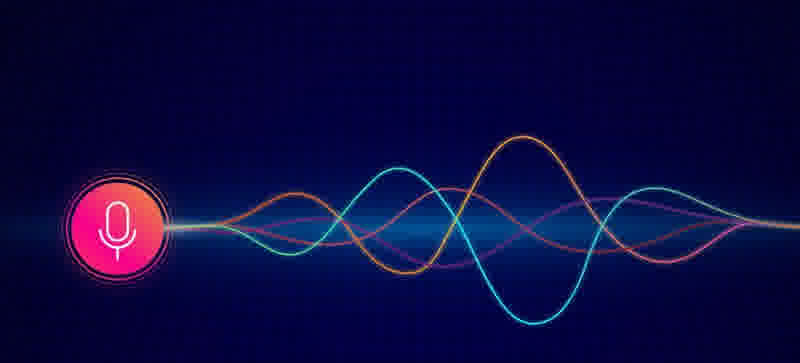
Imagine your voice is all you need to create art. No typing, no drawing, no complex prompts — just speak, and your ideas instantly appear as stunning visuals.
ImageMotion AI’s Voice to Image feature makes that possible. Our speech to image technology transforms your spoken words into captivating images,bridging the gap between verbal expression and visual creation.
Why Voice to Image Matters
Creating visuals with just your voice opens up a whole new world of creative possibilities. Voice to Image AI allows you to turn words into visuals instantly, removing traditional barriers like drawing skills or complex software. Whether you’re brainstorming ideas, designing concept art, or producing content for social media. Another way to create art — now directly with your voice.
How Voice to Image Works
Voice Capture & Transcription
Voice is captured as raw audio input by the system. Speech is processed through a automatic speech recognition (ASR) pipeline. The ASR module outputs a high-fidelity transcription of the spoken prompt.
Next, the transcription undergoes semantic parsing and entity extraction, where natural language processing (NLP) techniques identify key objects, environments, attributes, artistic styles and modifiers.
AI Image Generation
Once the prompt is encoded, the system feeds it into a generative diffusion model. The diffusion process iteratively denoises a latent tensor initialized with Gaussian noise, guided by the semantic and stylistic embeddings derived from the voice prompt, ensuring the output aligns with the user’s descriptive intent.
Post-generation, the image undergoes high-resolution enhancement through super-resolution networks.
This pipeline effectively converts speech into high-quality visual output, bridging ASR, NLP and generative modeling to deliver a fully automated speech to image solution.
Hands-On: Turn Words Into Images
1. Record Voice
Go to Imagemotion AI: Voice To Image and describe the image you want.
2. Adjust image settings
Select your desired resolution (HD, 2K, or 4K). Your preferred model and language.
3. Let AI Work Its Magic
Once processing is complete, download your image.
Use Cases & Inspiration
- Speed & Simplicity – When brainstorming, you can speak your idea and immediately see visual concepts
- Accessibility – Perfect for users who prefer speaking over typing, or for those who find traditional design tools challenging
- Natural Creativity – Talking feels more intuitive, allowing you to capture subtleties in style, mood, and composition
- Interactive experiences – Voice to Image can be integrated into apps, games, and AR/VR platforms, letting users generate visuals in real time with their voice
- Marketing & pitch visuals – Present your idea verbally
- Custom Style Control – Influence the artistic style, color palette, and mood
- Iterative Refinement – Speak follow-up instructions to tweak images, making it easy to experiment and perfect your visual concepts
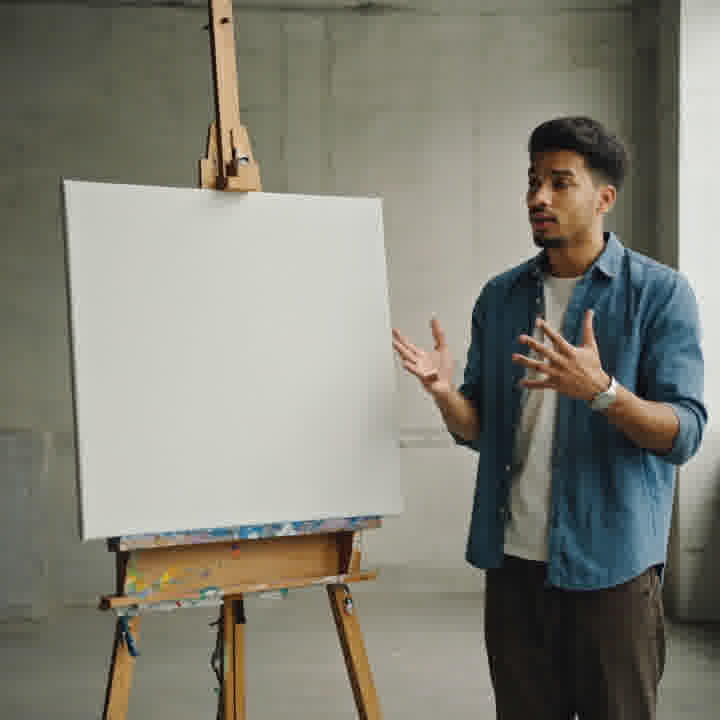
If you’re looking for a quick and easy solution, try our tool now.
Try Imagemotion AI: Voice To ImageFinal Thoughts
Voice to Image technology marks a new era in creative expression — one where ideas can move directly from thought to visual reality through speech and AI. By combining speech recognition, natural language understanding, and generative AI, creating art is as easy as talking about them. Turning voice into visuals removes friction and unlocks new possibilities.
Speak and Create Now